In this guide you will understand how 'Medical Alerts' in Cliniko activate 'Recalls' in Autopilot.
Video Guide
Medical Alerts activate workflows in Autopilot so that you can recall and reactivate your patients and also restrict their communication if needed.
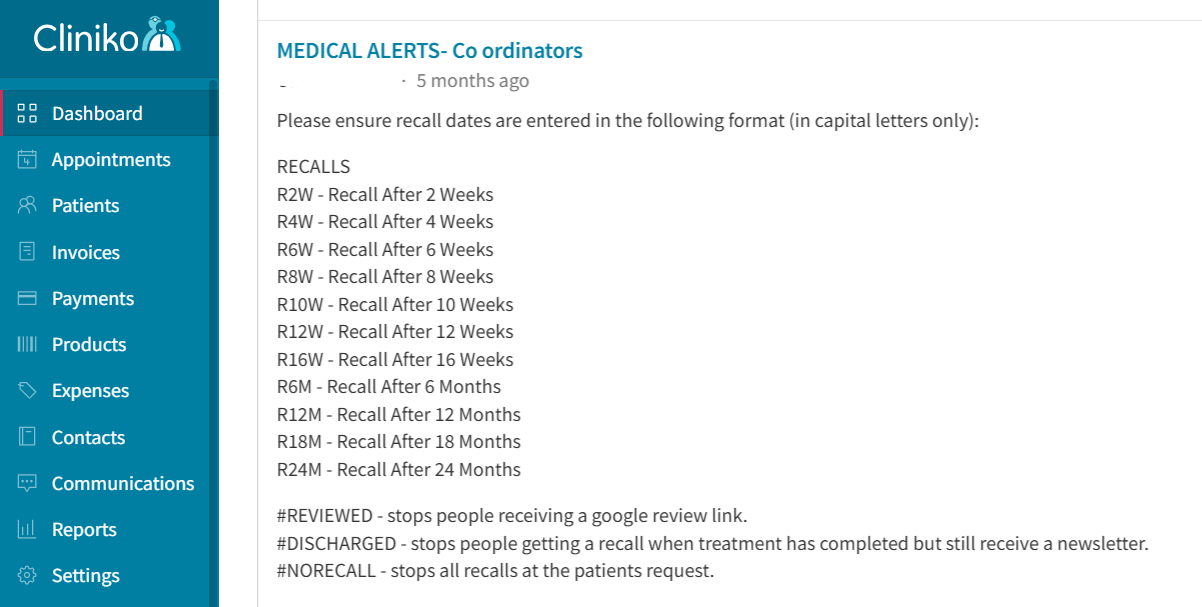
The default recall codes are
RECALLS
R2W - Recall After 2 Weeks
R4W - Recall After 4 Weeks
R6W - Recall After 6 Weeks
R8W - Recall After 8 Weeks
R10W - Recall After 10 Weeks
R12W - Recall After 12 Weeks
R16W - Recall After 16 Weeks
R6M - Recall After 6 Months
R12M - Recall After 12 Months
R18M - Recall After 18 Months
R24M - Recall After 24 Months
#REVIEWED - stops people receiving a google review link.
#DISCHARGED - stops people getting a recall when treatment has completed but still receive a newsletter.
#NORECALL - stops all recalls at the patients request.
Many practices post theses codes to your Cliniko dashboard for reference.
Please contact your clinic owner / manager for clarification on recall codes used in your practice.
Was this article helpful?
That’s Great!
Thank you for your feedback
Sorry! We couldn't be helpful
Thank you for your feedback
Feedback sent
We appreciate your effort and will try to fix the article